


Airport
Vehicle Pick Up

STEP 1 - WALK TO BAGGAGE CLAIM
Once you have exited your plane. You will want to head to the baggage claim area that is located on the bottom floor. There will be signs to direct you much like there is at every airport.
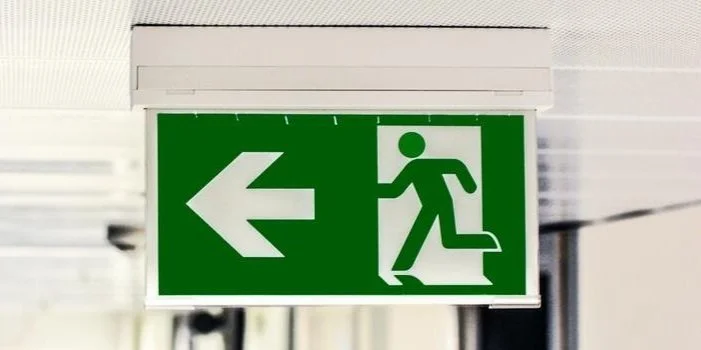
STEP 2 - Find Exit to Lower LEvel Zone 1
Once you have secured your luggage, look for an exit area out onto the lower level pick up areas between Baggage Claim A and B. This exit will take you to Zone 1 and directly to “The Parking Spot” shuttle you will need to catch. The bus is bright yellow with black spots and “The Parking Spot” Logo Clearly plastered on the side of it. If arriving after hours (10:00am-6:00pm), contact the shuttle directly at 704-398-3776 to request a pick up.
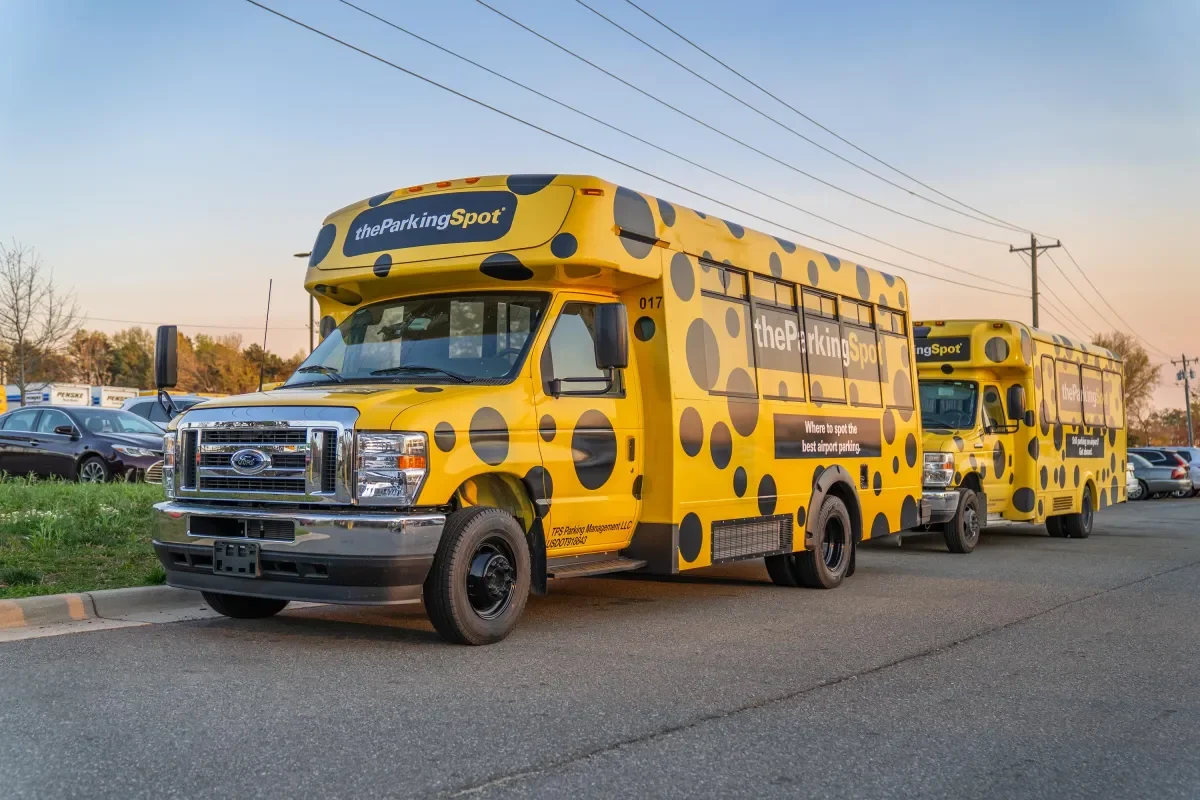
STEP 3 - Board the Shuttle Bus
Shuttles arrive every 5-10 minutes depending on the time of day. Once you enter the shuttle bus, let the driver know that you are picking up a Turo Rental Car and need to go to Zone R. The driver will then know what part of their lot to drop you off at.
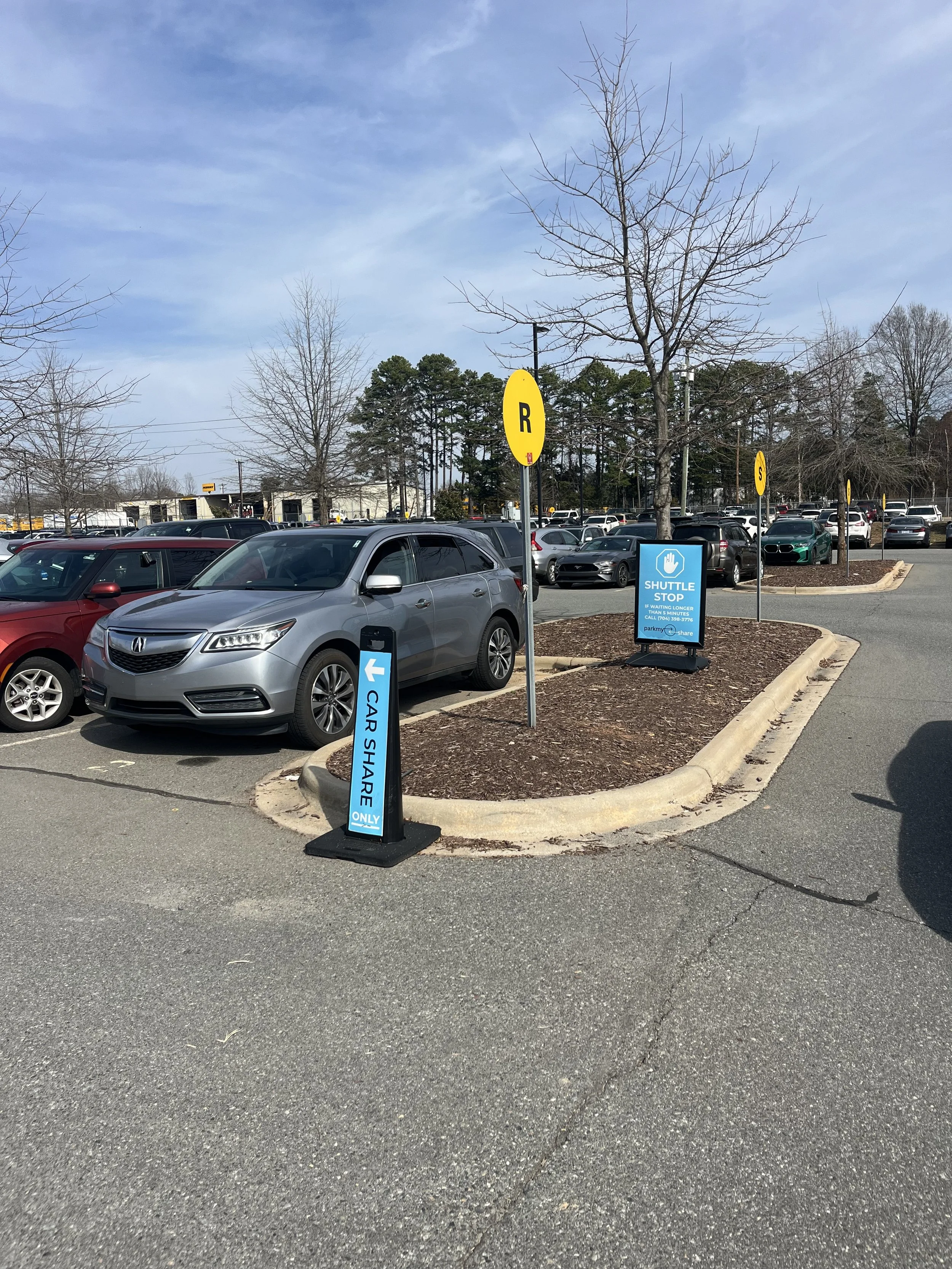
STEP 4 - Drop Off At Row R
Once you are at Row R, use the spot number that was provided to you to locate the vehicle. If you have not completed the license verification in the app, completed the required steps with our team in the messages to recieve the spot number.
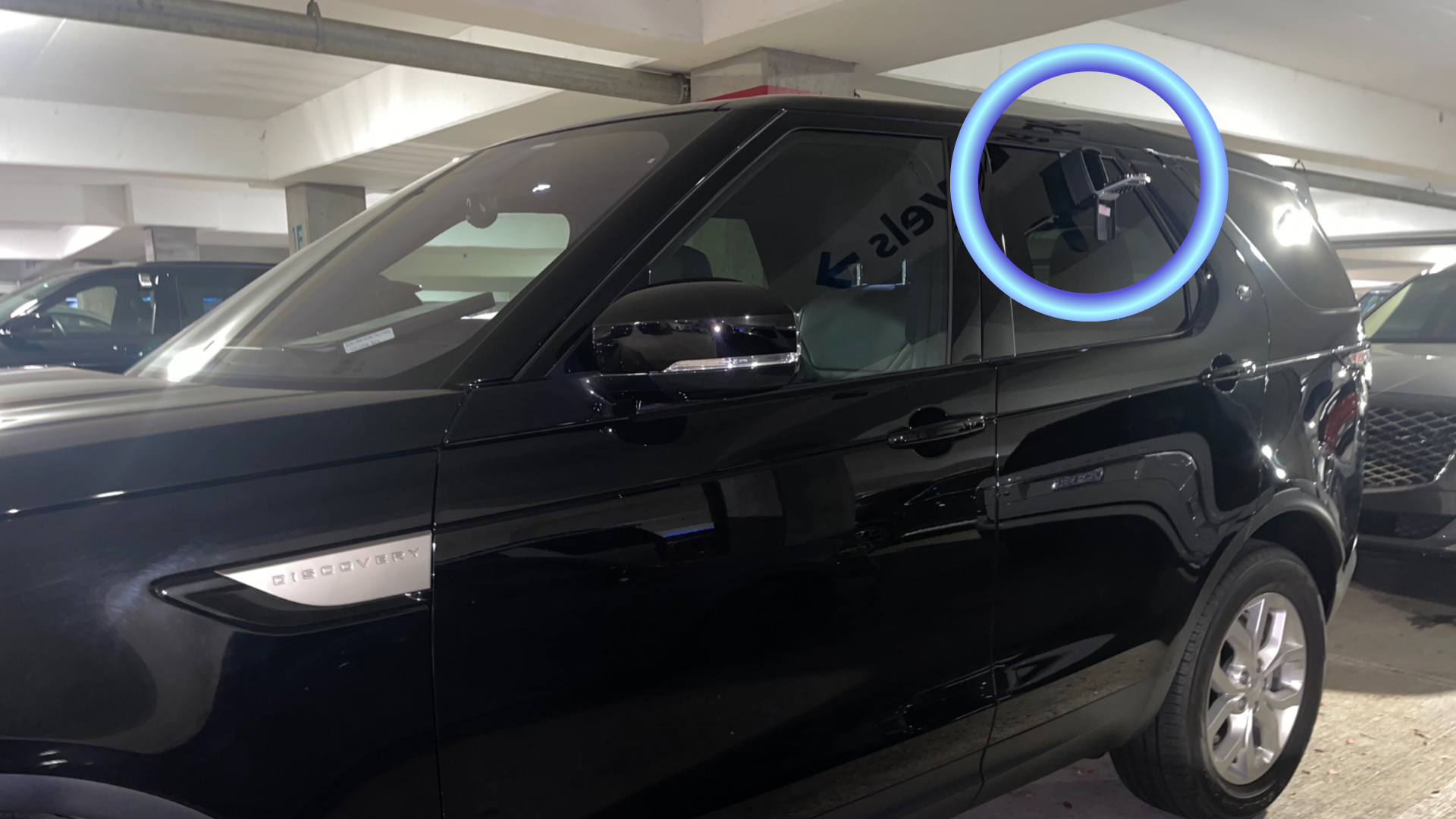
STEP 5 - Access The Vehicle Via Lockbox
Once at the vehicle, you'll see a lockbox located on the passenger window. Type in the code and press down on the silver tab to open. Remove the box by rolling down the window and store it in the vehicle inside the glovebox, center console, or wherever is convenient.
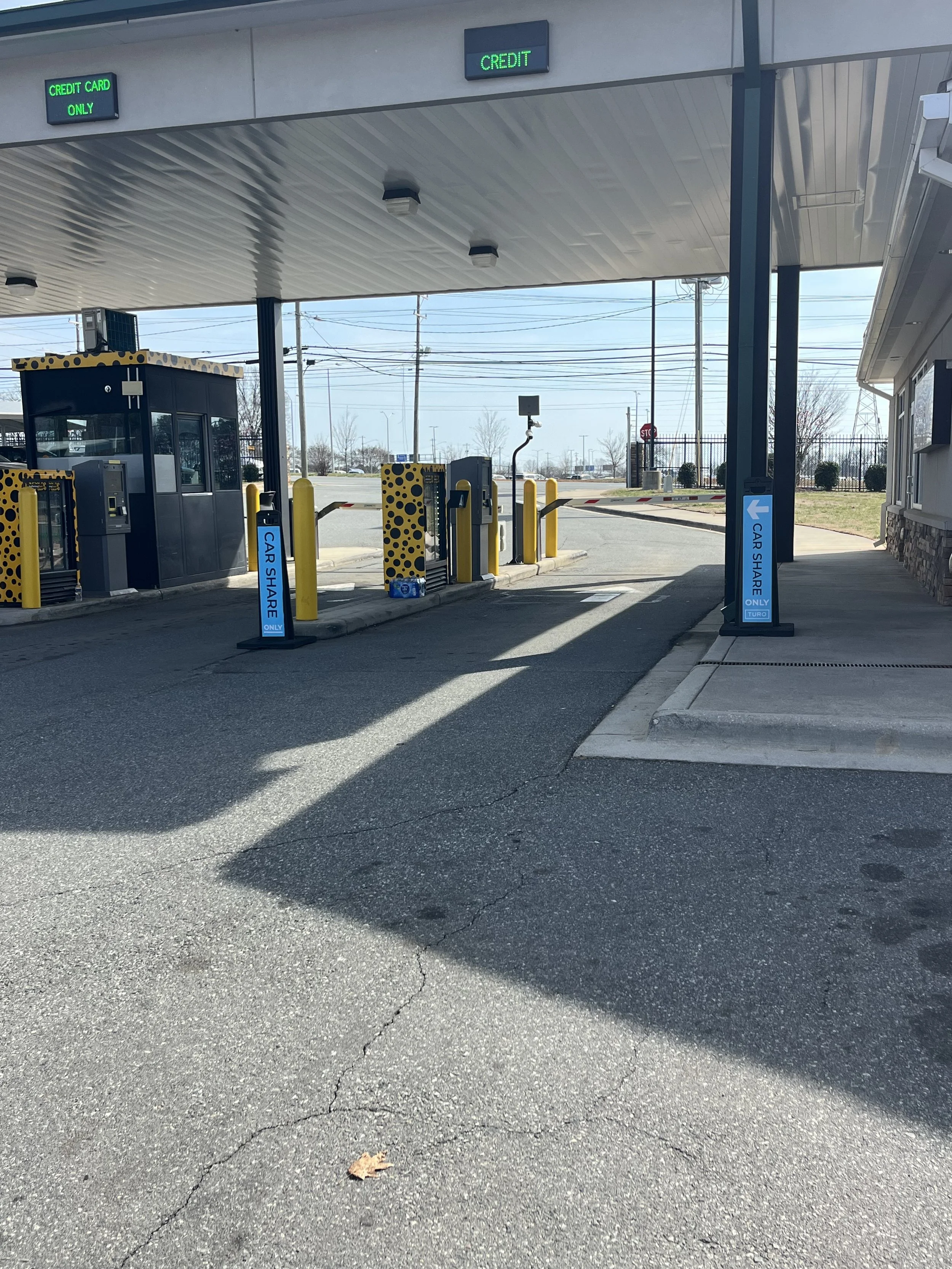
STEP 6 - Exiting the Parking Deck
Once you have entered the vehicle, be sure to follow the Blue signs or the Exit signs to the front gate where you were dropped off. Once you reach the front gate, be sure to go in the lane specificly marked Turo Rental Exits with the Blue Arrows. The vehicle has a ID Tag that will let you out of the parking area without any additional costs..